ImageJ is a useful scientific image-analysis tool, especially when a lab needs direct control over thresholds, plugins, and one-off analysis steps. The pain usually starts when the same cell-counting workflow has to run across plates, timepoints, or images collected by different people. At that point, maintaining macros and reviewing every exception becomes its own job.
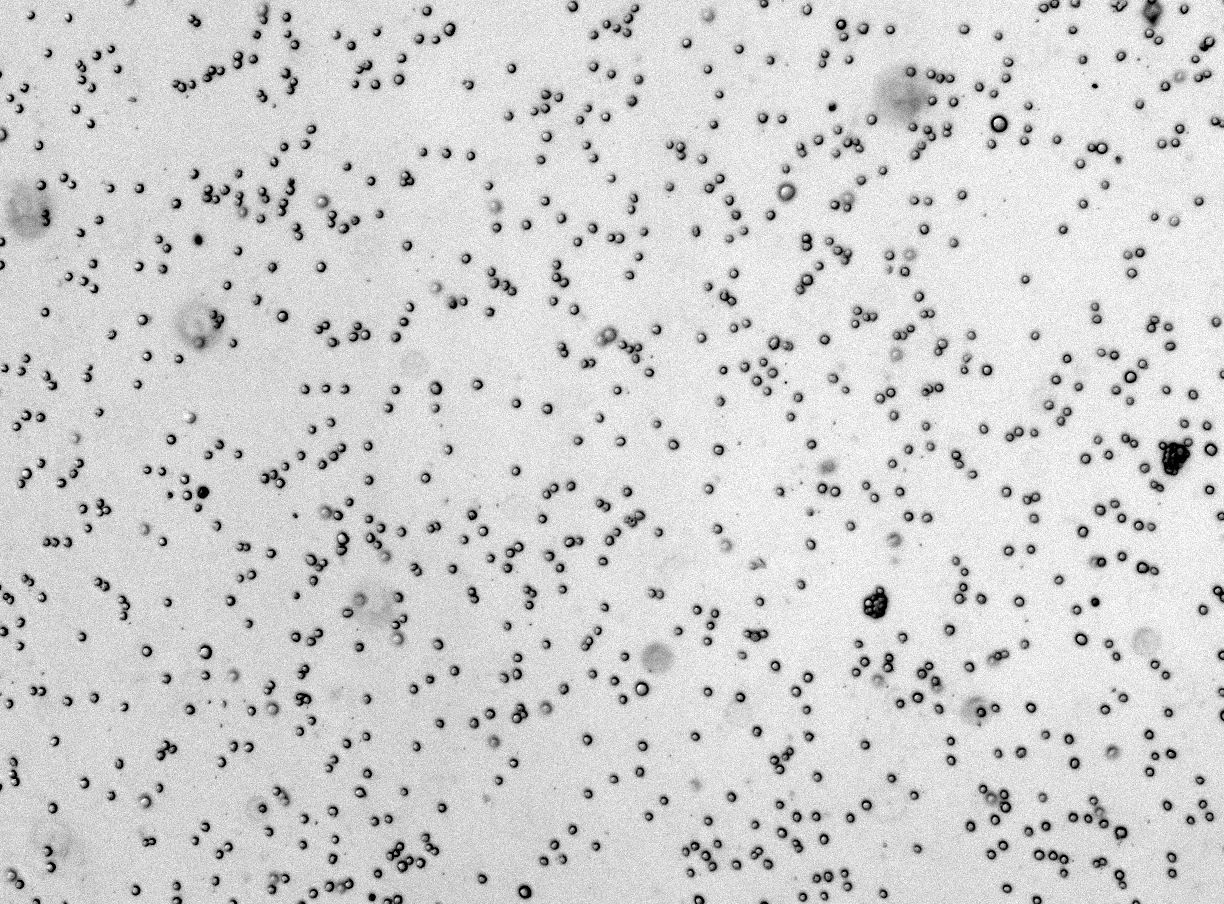
From raw image to reviewable mask
CellOpsis keeps the review step visible: counts are useful because the mask can be checked.
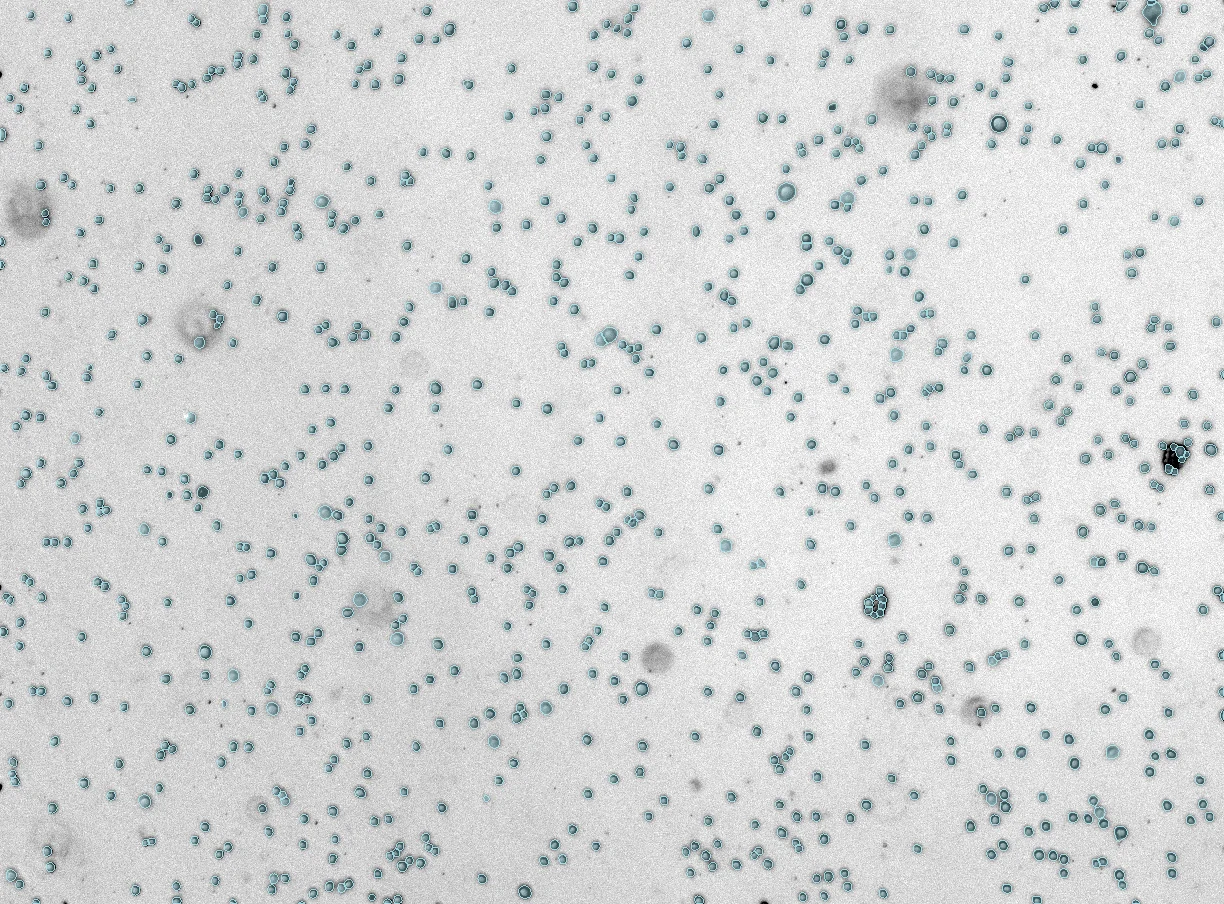 Mask
Raw
Mask
Raw
ImageJ fits best when
You need open-ended exploration, are comfortable tuning thresholds manually, and have a small enough image set that repeating the workflow is still manageable.
- Custom exploratory measurements
- Hands-on macro development
- Small datasets where manual review is acceptable
CellOpsis fits best when
You need repeat counts, masks, and exports without asking every scientist to maintain image processing settings or local analysis software.
- Batch analysis for plates and time courses
- Browser workflow with no local GPU setup
- CSV outputs that can be joined to assay metadata
Practical comparison
Desktop install, plugins, and lab-specific macros.
Browser upload and cloud analysis.
Possible, but macro maintenance grows with assay variation.
Designed for repeat image batches and exportable outputs.
Depends on the macro and reviewer workflow.
Counts are paired with masks so scientists can inspect results.
Trying to replace a fragile ImageJ macro?
Send a representative image set and the measurement you need. We can tell you whether a built-in CellOpsis workflow is enough or whether your assay needs a custom model.
Discuss an ImageJ workflow ->